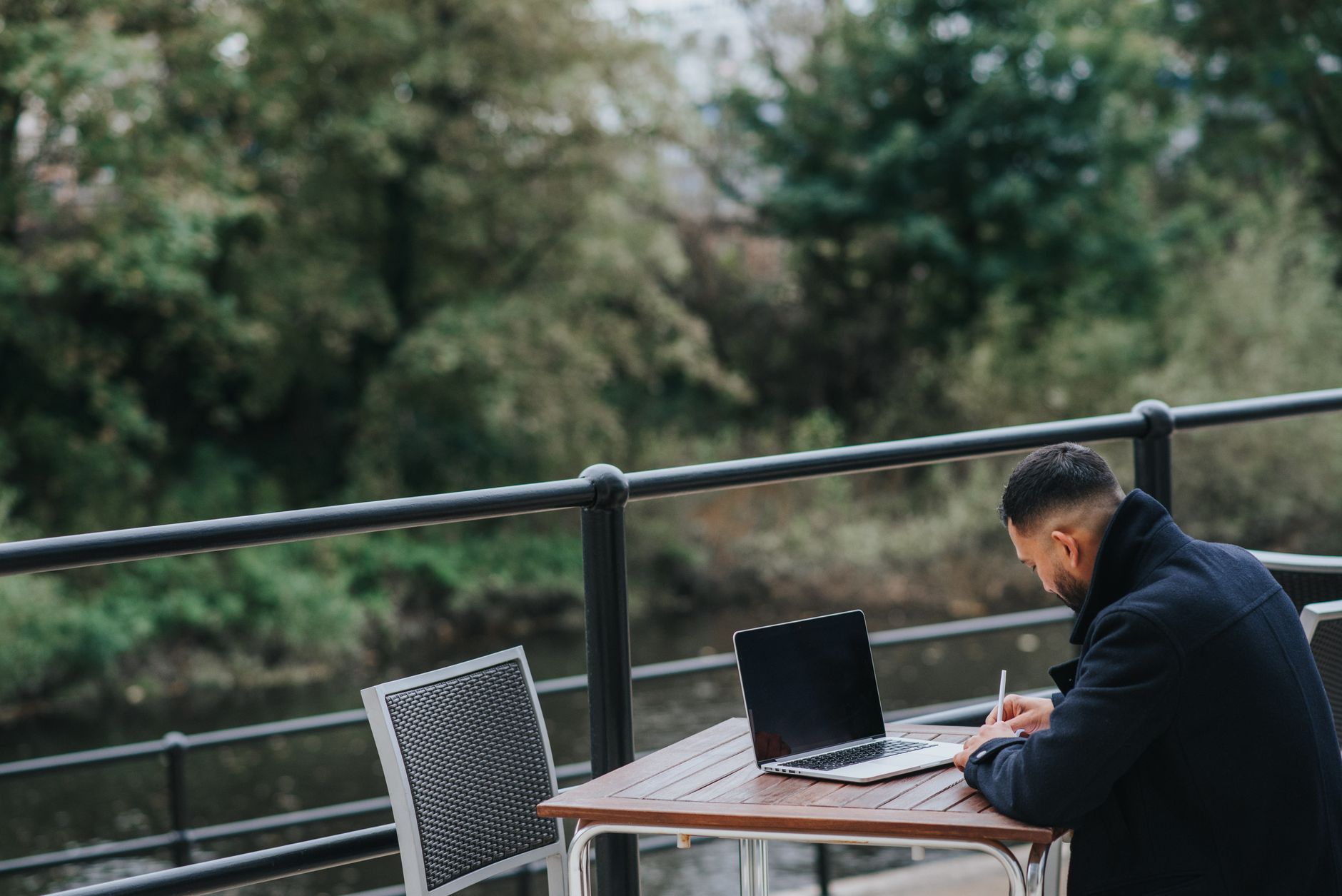
The fantasy version of digital nomad life is working from a cafe in Chiang Mai with perfect Wi-Fi and a mango smoothie. The reality involves spending 20 minutes testing three different cafes before you find one where the internet doesn't drop every five minutes during video calls.
Here's what actually works, based on spending most of the last three years working from cities across Southeast Asia, Europe, and South America.
Your connection stack
Reliable remote work needs at least two independent internet sources. If one fails, you switch immediately rather than scrambling. The baseline setup:
Primary: coworking space or hotel/apartment with decent Wi-Fi. Secondary: mobile data eSIM. Emergency: phone hotspot backup from a local SIM with generous data.
The eSIM covers you for transit, cafe days, and when the apartment Wi-Fi dies. The local SIM backup covers you when you need a lot of hotspot data and don't want to burn through your eSIM allowance. Grab a regional eSIM from getesimonline.com before you head out - it works across multiple countries, which saves you the hassle of buying new data every time you move.
Testing connection quality
Speed alone doesn't tell you much. A 20Mbps connection with 200ms latency and 5% packet loss will destroy a video call. Use Speedtest by Ookla for a quick speed check, but run a Ping test (or use something like PingPlotter) to check for latency and packet loss. For video calls, you want latency under 100ms and packet loss under 1%.
Notion and Slack work on almost anything. Zoom and Google Meet are the canary - if they work well, your connection is solid.
eSIM strategy for nomads
Regional plans beat country plans for nomads who move frequently. A plan covering Southeast Asia or Europe saves you buying a new eSIM every time you cross a border. Yes, local SIMs are cheaper in individual countries, but the time cost of buying, activating, and managing a new SIM every two weeks adds up.
Keep a 10GB+ regional plan active as your mobile data layer. In most cities, this supplements cafe and coworking Wi-Fi rather than replacing it. More on when to use eSIM vs Wi-Fi.
The hotspot setup that saves deadlines
When Wi-Fi fails during a client call, you need to switch to hotspot in under 30 seconds. Here's the drill: keep your phone's Personal Hotspot pre-configured with a password you know by heart. On iPhone, you can enable it from Control Center with a long press on the connectivity panel. On Android, most phones have a Quick Settings toggle for it.
The trick is to have your laptop's Wi-Fi set to auto-join your phone's hotspot name. That way, the moment cafe Wi-Fi drops, your laptop finds and connects to your phone automatically. You might get a brief stutter on your video call, but you won't disconnect completely.
For the hotspot data itself, a local SIM with a big data allowance is your best bet. In Thailand, a DTAC plan with 100GB costs around 600 baht ($17). In Portugal, NOS offers 30GB prepaid for about 25 euros. These are your safety nets, not your daily drivers.
Coworking spaces vs cafes
Coworking spaces have consistently better internet than cafes. That's their entire product - a reliable working environment. The connection is faster, more stable, and not shared with 40 people streaming Spotify.
Popular coworking chains: WeWork (everywhere), Selina (popular with nomads, great community), Hubud (Bali, classic nomad spot in Ubud), The Hive (Southeast Asia). Local independent coworking spaces are often cheaper and just as good.
Countries with the best digital nomad infrastructure
Portugal (Lisbon and Porto) has excellent fibre broadband in apartments, affordable coworking spaces, and the NHR tax regime. Thailand has brilliant 4G coverage, very cheap local SIMs, and an established nomad scene in Chiang Mai and Koh Lanta. Mexico City (Roma Norte specifically) has great internet, good coworking, and is increasingly popular. Estonia is the gold standard for digital governance and has solid connectivity throughout the country.
More on the best countries in the digital nomad destinations guide.
Managing video calls across bad connections
Some practical tricks that help when your connection isn't great:
Turn off your camera. Video uses 5-10x more bandwidth than audio alone. If your connection is struggling, going audio-only keeps the call stable. Most clients and colleagues understand.
Close background tabs. Chrome with 30 tabs open is constantly fetching data. Close everything you don't need during calls.
Use the "call me" feature. Zoom and Google Meet can dial your phone number instead of using internet audio. If your data connection is weak but you have voice signal, this gives you crystal-clear audio while sharing your screen over the spotty data connection.
Schedule important calls for morning. In most cities, internet speeds are best before noon when fewer people are online. Afternoon and evening are peak hours. If you have a critical presentation, book it for 9am local time.
The one thing most people underestimate
Time zones. Working from Bali when your clients are in London means your calls are at 3pm their time, which is 10pm or 11pm Bali time. That's fine for a few months. After six months it grinds you down. Pick destinations whose time zones overlap decently with wherever your clients or employer are based.
Get Your Travel eSIM
Browse data plans for Portugal, Spain, Mexico, Vietnam, and 200+ more destinations.
Ready to get connected?
Browse affordable eSIM data plans for 200+ countries. Instant activation, no roaming fees.
Browse eSIM Plans