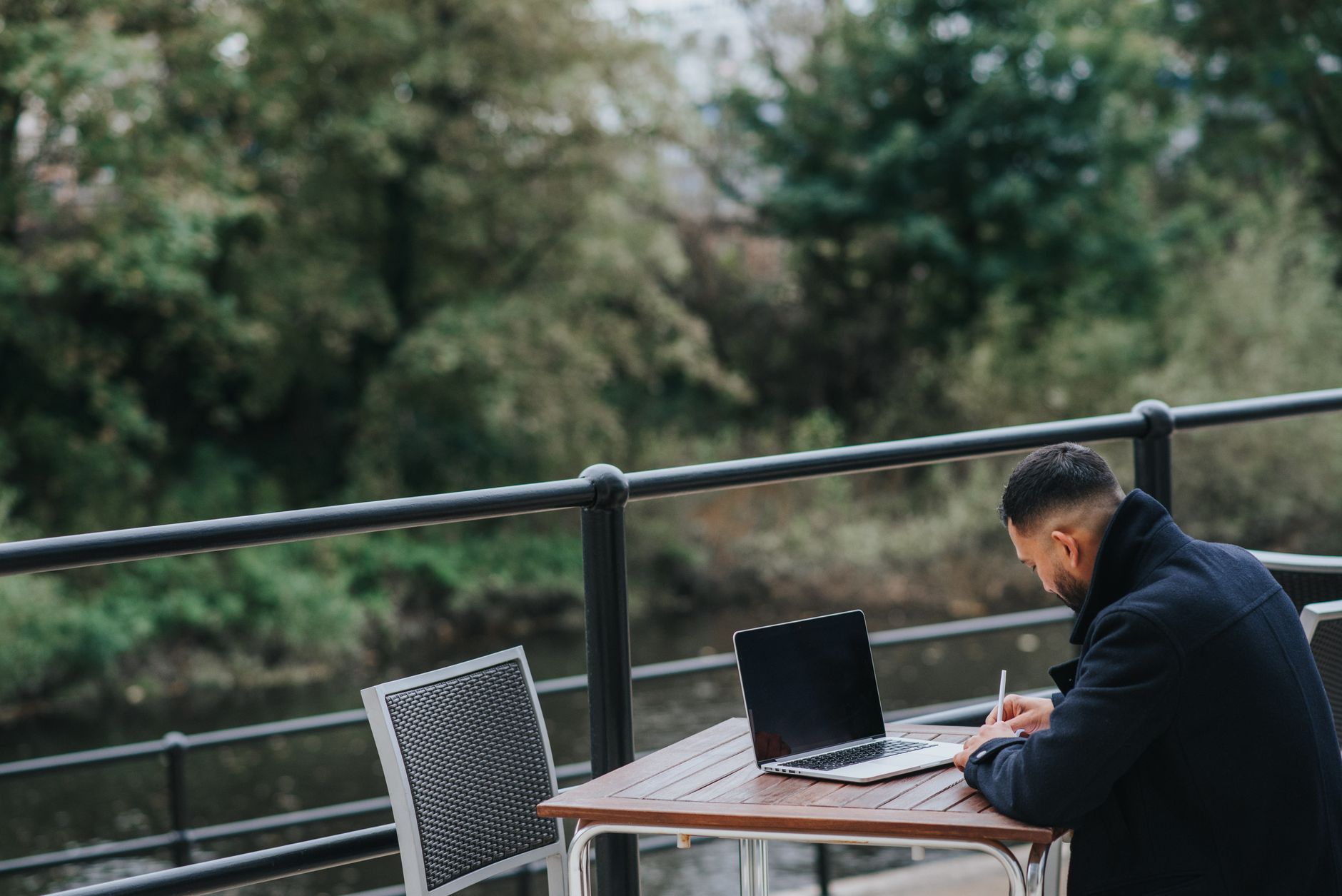
The minimum viable travel office is a laptop and a phone. Most people figure that out quickly. The gap between "functional" and "actually productive" takes a bit longer to work out.
The hardware you actually need
Laptop: whatever you use for work. Obvious. A lightweight one matters more when you're carrying it through airports frequently - the difference between a 1.2kg MacBook Air and a 2.1kg Windows laptop is real over six months of travel.
A travel router is surprisingly useful. The GL.iNet Beryl or similar compact router lets you connect to hotel Wi-Fi, run it through the router, and connect all your devices on your own private network. This means you can also plug in Ethernet if the hotel has a wired port (often much faster than the Wi-Fi), and share that connection across your phone, laptop, and tablet. About 50-80 GBP, fits in a jacket pocket.
A universal power adapter. Get one with USB-C and USB-A ports built in so you're not carrying separate adapters and chargers. The Anker 65W GaN chargers are compact and genuinely good.
Noise-cancelling headphones for video calls. Sony WH-1000XM5 or Bose QC45 - either is good. ANC blocks out cafe noise, the mic quality is decent enough for calls, and they double as your audio system for everything else.
A portable monitor is worth considering if your work is screen-intensive. The ASUS ZenScreen or Lenovo ThinkVision M14 are both around 600g and give you a proper dual-screen setup in a hotel room or coworking space. Plug it into USB-C and you've got a workstation in under a minute.
Internet redundancy
Don't rely on a single connection for anything that matters. The setup that works:
Primary: coworking space or apartment fibre when possible. Secondary: eSIM mobile data for the days you're working from a cafe or on the move. I keep a regional eSIM plan active at all times when travelling - picking one up from getesimonline.com before a trip means coverage across Europe and Southeast Asia so I can hotspot my laptop if a cafe's Wi-Fi dies mid-call.
For the hotspot setup, check your phone supports USB tethering as well as Wi-Fi hotspot. USB tethering is more stable and doesn't drain your phone battery as fast.
Third backup: know where your nearest coworking space is. Websites like Coworker.com list spaces in most cities worldwide. Having a fallback location with guaranteed fast internet removes a surprising amount of stress on days when your hotel Wi-Fi is acting up.
Apps and software
Notion or Obsidian for notes that work offline. 1Password for credentials (stored locally with cloud sync). Mullvad or ProtonVPN for public Wi-Fi situations. Krisp for AI noise cancellation on calls when you're in a noisy environment and ANC headphones aren't quite cutting it.
Make sure your work tools have offline modes enabled: Google Docs offline sync, Slack's message history cache, GitHub Desktop for code. The goal is that a dropped connection doesn't lose work in progress.
Loom is worth installing too. If you're working across time zones and can't always do live meetings, a quick Loom video explaining your progress or asking a question saves everyone from scheduling another call. It's async communication done right.
The call setup
Video calls from different countries have three variables: your connection speed, latency to the server, and background environment. Speed and latency you manage with your internet setup above. Background: a simple backdrop or a neutral wall behind you matters more than people admit. Hotels have ugly generic backgrounds. A white or grey wall, good window lighting from the side (not directly behind you), and you look professional anywhere.
Invest in a small ring light or clip-on laptop light for early morning or evening calls. Natural light is ideal, but it's not always available. A 10-GBP clip light makes you look dramatically better on camera compared to the dim overhead light most hotel rooms have.
Ergonomics on the road
This gets overlooked until your back starts hurting. A laptop stand (even a cheap foldable one) raises your screen to eye level. Pair it with a compact Bluetooth keyboard and a travel mouse, and you've got an ergonomic setup that folds into a bag. The Roost V3 laptop stand is popular with remote workers for good reason - it's light and adjustable.
If you're spending more than a few weeks somewhere, find a place with a proper desk and chair. Cafes are fine for a few hours, but working from a sofa or bed for weeks straight will wreck your posture.
Time zone management
Keep your laptop clock in your home time zone if you have regular meetings scheduled there, and use a secondary clock widget showing local time. World Time Buddy (web app) is essential for figuring out meeting times across zones. The mental overhead of constantly converting time zones is surprisingly tiring - minimise it with the right tools.
Block out your deep work hours and protect them aggressively. If you're eight hours ahead of your team, your mornings are golden - no one is online to interrupt you. Use that. Schedule calls for your afternoon (their morning) and keep your best working hours for actual work.
Staying productive long-term
The novelty of working from a beach or a rooftop cafe wears off after about two days. What actually works long-term is routine. Same wake-up time, same work hours, same shutdown ritual. The location changes but the structure stays constant.
Find your rhythm for each new city in the first day or two. Scout a good cafe or coworking spot. Test the internet. Set up your desk at the accommodation. Once those basics are locked in, you can focus on the work itself instead of constantly problem-solving your setup.
Get Your Travel eSIM
Browse data plans for Portugal, Spain, Mexico, Vietnam, and 200+ more destinations.
Ready to get connected?
Browse affordable eSIM data plans for 200+ countries. Instant activation, no roaming fees.
Browse eSIM Plans