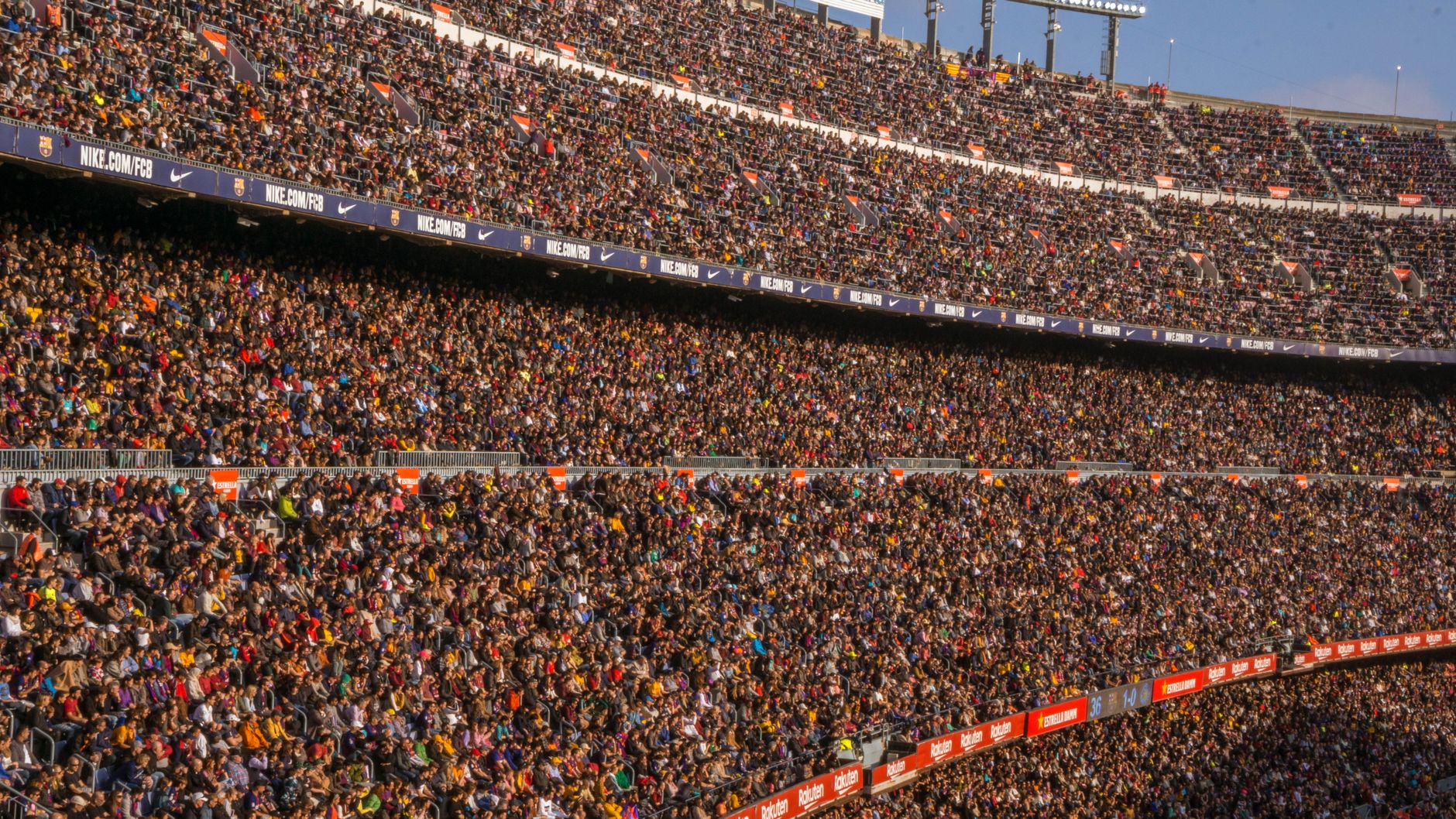
An eSIM for sports fans is a prepaid data line you turn on in the match city so tickets, maps, and a ride after the final whistle do not depend on stadium Wi-Fi. Venue networks fall over when tens of thousands of phones join the same access points at kickoff.
Buy the plan for the city or country on the ticket, install it before you travel, and keep the heavy uploads for the hotel. The seat is the wrong place to discover that the public Wi-Fi password does not work.
Quick Answer
- Use mobile data for the ticket barcode, the gate map, and the ride back. Do not rely on the venue network for any of those.
- Download the ticket to the phone wallet while you still have hotel or home Wi-Fi.
- Send a few photos. Leave live video until you are out of the bowl and the crowd thins.
- A single-country plan is enough for a one-city match. A regional plan fits a tournament that moves.
- Keep your home number on for calls. The travel line is data.
What Fails Inside A Stadium
Stadium Wi-Fi is a shared pipe. It is fine at noon when staff are testing scanners. It stalls when every row tries to post the lineup at the same minute. Captive portals, expired passwords, and sign-in pages that need an email you cannot load are normal, not a personal glitch.
Mobile networks strain too, but they are built for the neighborhood, not one router in a concourse. A travel eSIM puts you on that mobile network with a local data allowance, which is the practical backup when the venue page will not load.
The Day Before The Match
Do the boring work away from the ground.
- Install the travel line on Wi-Fi and confirm it shows as ready. Steps are on the GEO setup guide.
- Save the ticket offline in the official app or wallet. Screenshot the barcode only if the organizer says a screenshot is accepted. Some gates reject images.
- Pin the hotel and the gate you were assigned. Offline maps help if the signal dips in a tunnel on the way in.
- Tell the person you are meeting which entrance. Chat apps queue messages. A dropped pin sent the night before does not.
From The Station To The Seat
Match traffic is a data problem as much as a walking problem. Rideshare apps time out when the pickup zone is a moving crowd. Give the app a minute, then walk to a side street the driver can actually reach. Refreshing ten times on the same corner does not create a car.
Inside, open the ticket once and raise the brightness. Every reload of a ticket page spends data and time you do not have in the queue. If the app wants an update at the turnstile, you are late. Update it at the hotel.
Photos of the pitch are fine in short bursts. A long live clip from row 40 fights every other phone in that section. Wait until you are in a concourse, or back on the train, and the clip will upload on the first try instead of the fifth.
One City Or A Whole Tournament
| Trip | Plan shape | Do this before you go |
|---|---|---|
| One match, one city | That country's data pack | Open the country page and match the dates to the match week, not the whole season. |
| Group stage in several cities, same country | One country pack with enough days | Validity has to cover the last game, not only the flight in. |
| Games in neighboring countries | A regional pack that lists each stop | Read the country list. A border town is still a country. |
| You are only watching from a bar back home | No travel line | This page is for people who are physically at the event. |
GEO country packs are listed on the country index. Multi-country tournaments belong on regional plans if every host is in that region.
After The Whistle
The exit is when people need data most: a friend lost in the crowd, a train time, a last train you are about to miss. Stay on the travel line until you are in the room. Hotel Wi-Fi can wait until the door locks.
Upload the gallery then, on Wi-Fi, if the travel allowance is small. The line did its job when the ticket scanned and the ride arrived. It does not need to carry a full match replay.
If you have another game in a different country tomorrow, confirm that country is already on the plan before you sleep. Buying at midnight in a stadium parking lot is how people pay roaming by accident on the home SIM.
Pick the host country on GEO country plans and install the line before match day, while you still have quiet Wi-Fi.
FAQ
Will an eSIM for sports fans work inside the stadium?
It uses the mobile network, which is the right backup when venue Wi-Fi stalls. Congestion can still slow uploads at kickoff. Have the ticket saved before you arrive.
How much data does a match day take?
Tickets, maps, and messaging are light. Live video from the seat is not. Plan for messages and a ride, and upload video later.
Can my group share one phone's data?
Only if that plan allows sharing and you accept one pool for every device. Each person with a ticket app is safer with their own line.
Do I keep my normal number?
Yes. Leave the home line available for calls and codes. Use the travel line for data so the home carrier does not bill roaming.
What if the tournament moves countries?
The plan has to list each country. Check regional coverage before the first flight, not between games.
Should I buy data at the stadium?
No. Install at home. Stadium checkout pages are a bad moment to compare allowances.
Ready to get connected?
Browse affordable eSIM data plans for 200+ countries. Instant activation, no roaming fees.
Browse eSIM Plans