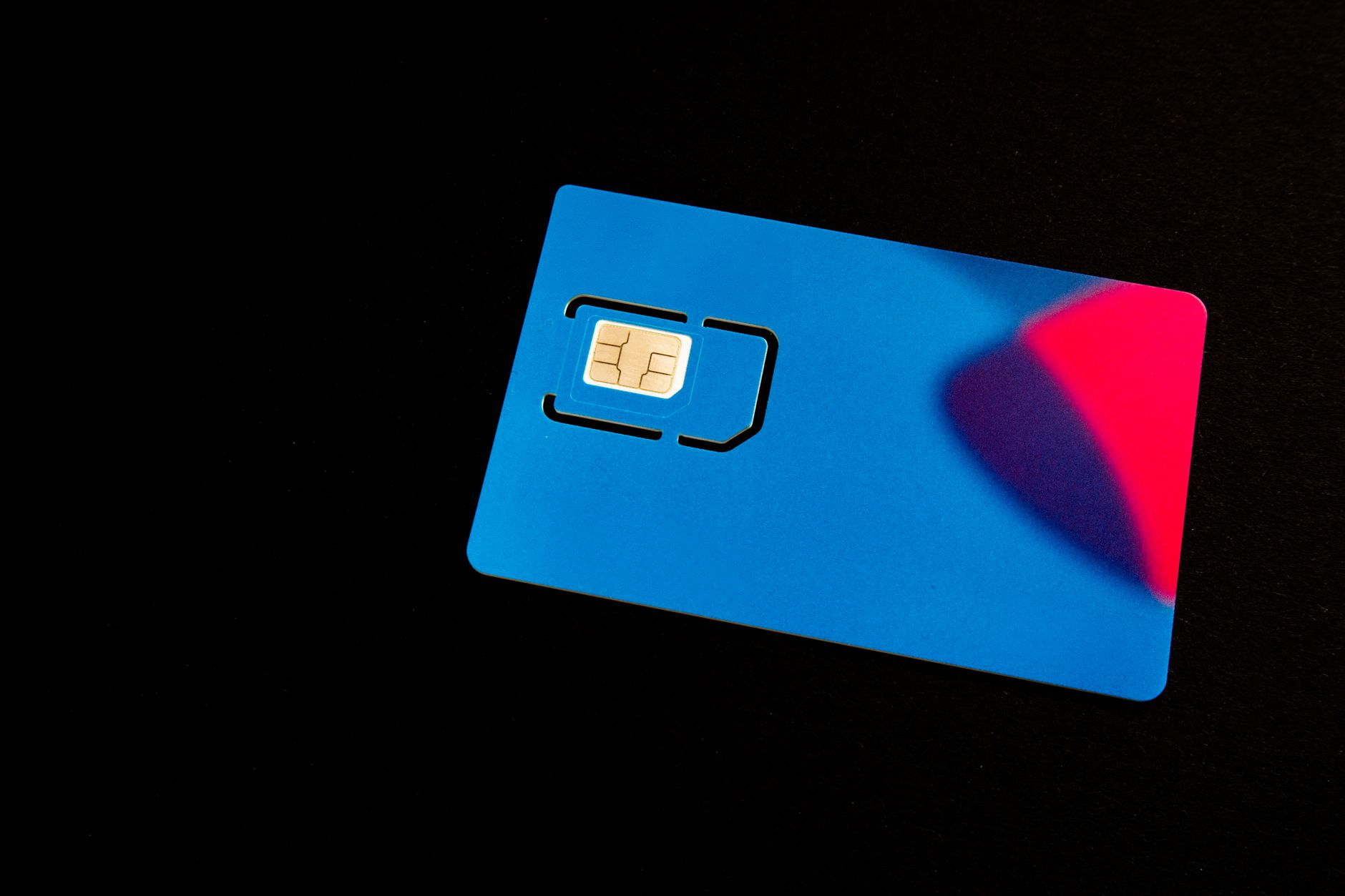
You can store multiple carrier profiles on the same device. Think of it like having several SIM cards in your phone's memory - you switch between them rather than physically swapping anything.
How profiles work
When you install an eSIM plan, you're downloading a carrier profile - a set of credentials that tells your phone which network to use, how to authenticate, and what services are enabled. That profile lives in the eSIM chip and stays there until you delete it.
Most iPhones can store up to eight eSIM profiles. Android devices vary - most flagships store four to ten. You can only have a limited number active simultaneously (usually two on iPhones, one or two active eSIMs depending on the Android device), but inactive profiles stay installed and ready to switch on.
Why this matters for travel
If you go to Japan twice a year and Europe every summer, you can keep profiles for both installed permanently. Before a trip to Tokyo, you activate the Japan profile. Before Barcelona, you switch to the Europe one. No downloading, no QR codes, no waiting. It takes about 30 seconds.
I have profiles for three destinations installed right now. The one I'm not using is just sitting there, inactive, costing nothing. When the validity period expires, the profile might stop working but it stays installed - and if the same provider sells a top-up or renewal for the same profile, activating more data is instant.
Active vs inactive profiles
An active profile means your phone is using it. An inactive profile is installed but your phone ignores it. You can have up to two active eSIM lines on most modern iPhones (one primary, one secondary). On Samsung Galaxy dual-SIM models, you can run a physical SIM plus an eSIM simultaneously.
Switching a profile from inactive to active: on iPhone, go to Settings → Mobile Data → [plan name] → Turn On This Line. Takes seconds.
Managing profiles on iPhone
Settings → Mobile Data shows all your installed plans. Tap any plan to see options - you can rename it, activate it, or delete it. Renaming is useful: "Japan 2025," "Europe Summer," "UK Home" is easier to scan than a list of carrier names.
Deleting a profile is permanent. You can't restore a deleted profile - you'd need to get a new QR code from the provider. Don't delete a plan thinking you can bring it back.
Managing profiles on Android
Settings → Connections → SIM Manager (Samsung) or Settings → Network & Internet → SIMs (Pixel). Similar functionality. You'll see installed profiles with options to enable, disable, or remove them.
Smart profile management strategies
Here's how frequent travellers organize their profiles to save time and money:
Keep regional profiles, not country profiles. A Europe-wide eSIM from getesimonline.com covers 30+ countries. One profile handles trips to Paris, Berlin, Rome, and Amsterdam. That's one profile slot instead of four.
Label everything clearly. The default names are usually the carrier name, which means nothing when you have five profiles. Rename them immediately: "Europe 2026," "Japan Travel," "US Road Trip." Future you will be grateful.
Check expiry dates before trips. Profiles stay installed after they expire, but they won't connect. Before you fly, check your destination profile is still valid. If it's expired, you can often buy a top-up from the same provider that reactivates the existing profile rather than downloading a new one.
Don't hit your profile limit. If you're approaching 8 profiles on iPhone, delete the ones for destinations you're unlikely to revisit soon. Profiles for a one-off trip to a country you visit once in a decade aren't worth the slot. Keep the ones you use regularly.
Profiles and data usage tracking
Each eSIM profile tracks its own data usage independently in your phone's settings. On iPhone, go to Settings → Mobile Data and scroll down to see data used per profile. This resets with each billing period or when you manually reset the statistics.
This is genuinely useful for monitoring how much data you've used on a travel plan. If you bought a 5GB plan for a week, you can check at any point how much you've burned through and adjust your usage accordingly. Some eSIM providers also have their own apps that show remaining data in real time.
Common mistakes with multiple profiles
The biggest mistake people make is forgetting which profile is set as the active data line. You land in Japan, your Japan profile activates, everything works. Then you forget to switch back when you get home. You're now routing all your home data through an expired travel profile, wondering why nothing loads. Always check your active data line after a trip.
Another common issue: accidentally deleting the wrong profile. With eight profiles on your phone, it's easy to tap the wrong one when you're cleaning up. Take a second to confirm the name before hitting delete. There's no undo.
One practical note
When you get home from a trip, don't delete your travel eSIM profile just yet. If the data has unexpired validity, you can use any remaining data next time you're in that region. And if you're returning to the same destination, you save the hassle of reinstalling.
Browse eSIM Plans
Ready to buy? Check plans for top destinations: Japan, USA, UK, Thailand, or browse all countries.
Ready to get connected?
Browse affordable eSIM data plans for 200+ countries. Instant activation, no roaming fees.
Browse eSIM Plans