How eSIM Technology Actually Works (Non-Technical Explanation)
Every time I mention eSIMs to someone who hasn't used one, I get the same slightly confused look. "So there's no card? How does it work?" Fair question. The technology sounds abstract until someone explains it in normal-person language. That's what I'm doing here. No engineering jargon, no acronym soup, just a clear explanation of what's happening inside your phone when you use an eSIM.
Start With What You Already Know
That tiny chip you've been popping in and out of phones for years does one essential thing: it proves to a mobile network that you're a paying customer. It contains a small digital ID that says "this person has an account with Vodafone" or "this person has a T-Mobile plan." When your phone connects to a cell tower, the tower checks that ID and says "yep, you're legit, here's your internet access."
That's all a SIM card does. It's an identity badge for cellular networks. Everything else, the actual calls, the data connection, the texts, is handled by your phone's hardware and the cell tower. The SIM is just the bouncer checking your name at the door.
The Hotel Key Card Analogy
Here's how I explain eSIM to everyone, and it clicks every time.
Think of a traditional SIM card like an old-fashioned metal hotel key. It's a physical object. You pick it up at the front desk, carry it to your room, and stick it in the lock. If you want to stay at a different hotel, you need a different key. You can only carry so many keys in your pocket. And if you lose the key, you have to go back to the desk for a replacement.
Now think of an eSIM like a modern hotel key card, except even better. Imagine checking into a hotel where, instead of giving you a physical card, they beam the room access directly to your phone. Your phone becomes the key. When you check out or want to switch hotels, they remotely deactivate the old access and load new access for the next hotel. No physical object to carry, lose, or swap.
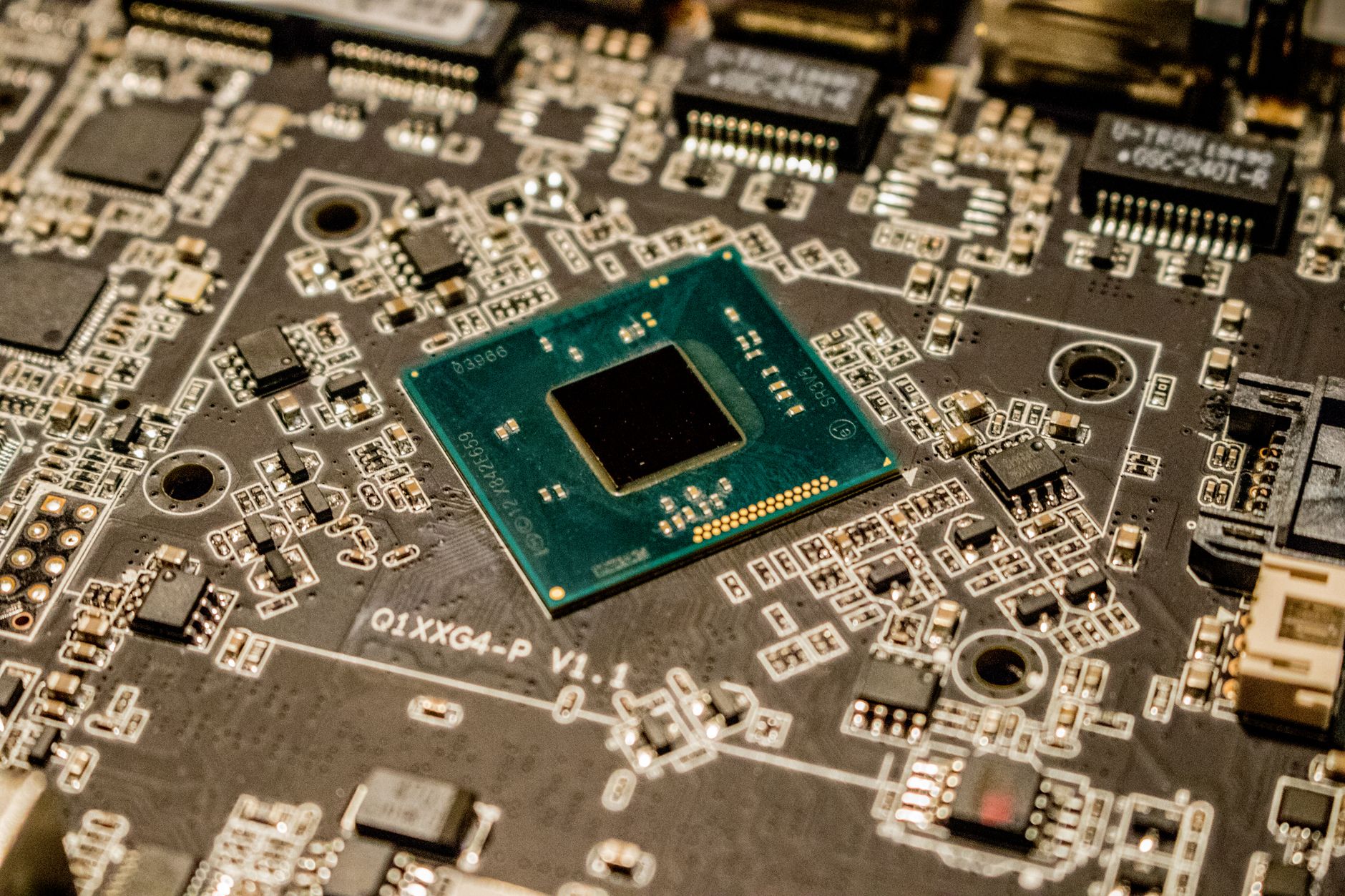
That's essentially what an eSIM does. Instead of a removable chip that stores your network identity, there's a tiny permanent chip built into your phone (the "e" stands for "embedded") that can be reprogrammed with different network identities. Want to connect to a French network? A digital profile gets downloaded to that embedded chip. Heading to Japan next? Download a new profile. The chip stays put. Only the software on it changes.
What Happens When You Install an eSIM
When you buy an eSIM plan from a provider like Airalo or Nomad, here's the step-by-step of what actually occurs.
First, you scan a QR code or tap an installation link. This QR code contains a web address pointing to the eSIM provider's server, plus a unique code identifying your specific plan. Think of it as the hotel sending you an email with your room access link.
Second, your phone contacts the provider's server. It essentially says "someone just scanned this code, send me the eSIM profile." The server verifies the code is valid and hasn't been used already.
Third, the profile downloads to your phone's embedded chip. This profile is a small file, just a few kilobytes (smaller than a single photo), containing your network credentials. It tells your phone which network to connect to, what authentication keys to use, and what data plan you've purchased.
Fourth, your phone registers the new profile. You can now see it in your phone's settings alongside your physical SIM. You can name it (I label mine by country, like "Japan Data" or "UK Trip"), enable or disable it, and choose which line handles data.
The whole process takes about 60-90 seconds on a decent internet connection. No physical card, no ejector pin tool, no tray to slide open.
How Your Phone Runs Two SIMs at Once
Most phones sold in the last four years support Dual SIM, meaning your phone can maintain two active network connections simultaneously. One on your physical SIM, one on your eSIM. Some newer phones like the iPhone 15 and 16 series sold in the US don't even have a physical SIM tray anymore and use two eSIMs instead.
When you're traveling, this is incredibly useful. Your home carrier stays active on your physical SIM so you can still receive calls and texts to your regular number. Meanwhile, your travel eSIM handles all your data on the local network, which costs way less than roaming.
Your phone manages this automatically. You just tell it which line to use for data (the eSIM) and which to use for calls (your home SIM). Some people worry about battery drain from running two connections. In practice, the extra usage is minimal, maybe 3-5% over a full day. I've never noticed a meaningful difference.
A Brief History of SIM Cards Getting Smaller
SIM cards have been shrinking for decades. The original SIM from 1991 was the size of a credit card. Then came the Mini-SIM (what most people think of as a "normal" SIM). Then the Micro-SIM. Then the Nano-SIM, that tiny thing in recent phones. Each version just made the physical card smaller.
At some point, phone manufacturers realized: why have a card at all? The chip inside the SIM could be built directly into the phone. No card slot means more space for battery, cameras, or other components. No SIM tray means one fewer hole in the phone's body, which improves water resistance. And downloading a profile is faster and easier than physically swapping chips.
Apple pushed eSIM adoption hard starting with the iPhone XS in 2018. By the iPhone 14 in 2022, they removed the physical SIM tray entirely from US models. Samsung, Google, and other manufacturers have followed with eSIM support across their lineups. The industry is clearly moving toward an all-eSIM future, though physical SIMs will coexist for years to come.
Is It Secure?
People ask me this a lot, and it's a good question. If your network identity is just software on a chip, what stops someone from copying it or hacking it?
Short answer: eSIMs are at least as secure as physical SIMs, and probably more so.
The embedded chip in your phone is a dedicated security module designed specifically to store sensitive information and resist tampering. It's similar to the security chip that stores your fingerprint data or Face ID information. The eSIM profile is encrypted during download and stored in a protected area that your phone's regular software can't access.
Physical SIMs can be stolen. If someone takes your SIM card, they can put it in another phone and impersonate you on the network, receiving your calls and verification texts. An eSIM can't be physically stolen because it's part of the phone itself. If someone steals your entire phone, your lock screen protection prevents them from accessing or transferring the eSIM profile.
There's also "SIM swapping," a social engineering attack where criminals convince your carrier to transfer your number to a new SIM. eSIMs are actually harder to SIM-swap because the transfer process has more security layers built in.
What eSIMs Can't Do Yet
I want to be honest about the limitations, because a lot of "eSIMs are the future" content glosses over real issues.
Not all carriers support eSIM. Especially in developing countries, many carriers still only offer physical SIMs. This is changing fast, but as of 2026, there are still plenty of networks in Africa, parts of Southeast Asia, and South America where local eSIM isn't available directly from the carrier.
Switching phones is slightly trickier. With a physical SIM, you pop it out and put it in a new phone. With an eSIM, you need to transfer the profile digitally. Apple makes this pretty painless between iPhones. But moving an eSIM between an iPhone and an Android phone often means deactivating the profile and re-downloading it, and some providers charge for that or don't support it at all.
Storage limits exist. Your phone can hold a limited number of eSIM profiles, typically 5 to 10 depending on the model. Most people won't hit this, but frequent travelers who keep profiles from many countries might eventually need to delete old ones.
Most plans are data-only. You get mobile data but not a phone number. You can't make traditional phone calls or send SMS. WhatsApp, FaceTime, and other internet-based communication work fine, but if you specifically need a local phone number you'll need a provider that offers one or a VoIP service.
Ready to Try One?
If you've been hesitant because the technology seemed mysterious, I hope this clears things up. There's nothing exotic happening inside your phone. It's the same network connection, the same speeds, the same coverage, just delivered through a permanent chip instead of a removable card. Think of it like the shift from physical keys to key cards. The door still opens the same way. You just don't need to carry a piece of metal anymore.
Check your phone's settings to see if it supports eSIM, and on your next trip, give it a try. You'll wonder why you spent all those years fumbling with SIM ejector pins at airport counters.
Browse eSIM Plans
Ready to buy? Check plans for top destinations: Japan, USA, UK, Thailand, or browse all countries.
Ready to get connected?
Browse affordable eSIM data plans for 200+ countries. Instant activation, no roaming fees.
Browse eSIM Plans