You have got a trip coming up, you have found a great eSIM data plan, and then the worry hits: what happens to my regular phone number? Will people still be able to call me? Will I miss that important text from my bank?
Good news. You can absolutely use an eSIM for data abroad while keeping your home phone number fully active. It is actually one of the biggest advantages of eSIM technology, and once you set it up properly, it works like a charm.
Let me walk you through exactly how to do it.
The Dual SIM Setup: Your Secret Weapon
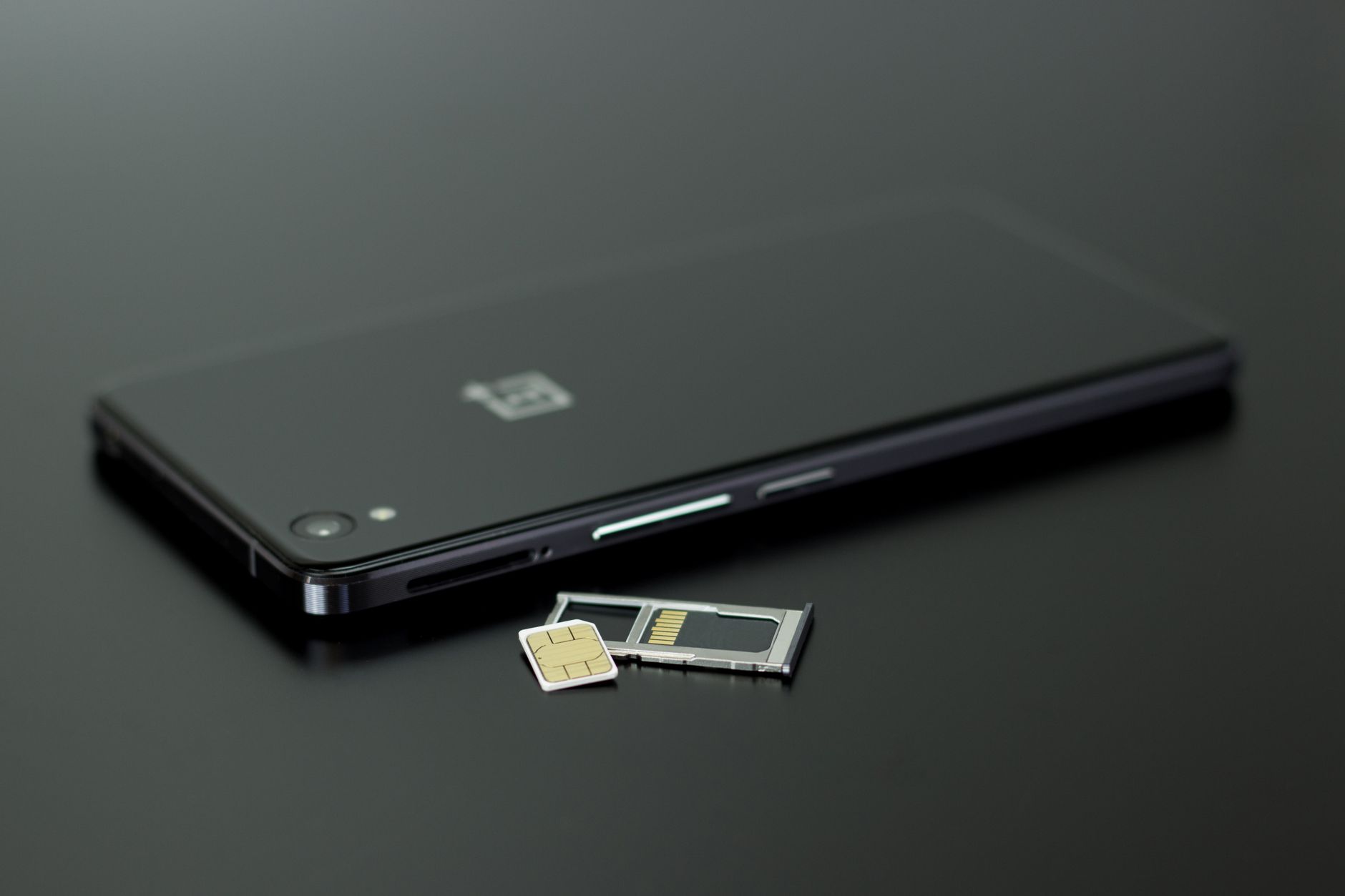
Most modern phones support dual SIM functionality. That means your phone can run two separate lines at the same time: your physical SIM card with your home number, and an eSIM with a local data plan for wherever you are traveling.
Think of it like having two phones crammed into one. Your home number stays alive for calls and texts. Your eSIM handles all the data -- maps, social media, WhatsApp, everything. They run side by side without interfering with each other.
iPhones from the XR onward support this. Samsung Galaxy S20 and newer models do too. Google Pixel phones have had it since the Pixel 3. If your phone is from the last four or five years, you are probably covered.
Step-by-Step: Keeping Your Number Active
Before You Leave Home
First, call your carrier. Tell them you are traveling abroad and want to keep your number active but don't want to rack up roaming charges. Ask about these specific things:
- Minimum plan options: Some carriers like T-Mobile and Vodafone let you drop to a basic plan temporarily. You might pay $10-15/month instead of your full bill while still keeping the number alive.
- Roaming blocks: Ask them to block data roaming on your home SIM. This way, even if something goes wrong with your settings, you won't accidentally use roaming data at $10 per megabyte.
- Number hold/suspension: Some carriers offer a "seasonal hold" for $5-10/month. Your number stays reserved but the line is mostly inactive. Good for trips longer than a month.
Install Your eSIM
Head to getesimonline.com and pick a data plan for your destination. The activation takes about five minutes. You will get a QR code, scan it with your phone, and the eSIM profile installs alongside your existing physical SIM.
Configure Your Phone Settings
This is the crucial part. Here is how to set it up on iPhone:
- Go to Settings > Cellular
- You will see both lines listed -- your home SIM and your new eSIM
- Tap "Cellular Data" and select your eSIM as the default data line
- Keep your home SIM set as the default for voice calls and SMS
- Turn OFF "Allow Cellular Data Switching" -- this prevents your phone from using your home SIM for data if the eSIM signal drops
On Android (Samsung, Pixel, etc.):
- Go to Settings > Connections > SIM Manager
- Set your eSIM as the preferred mobile data SIM
- Set your home SIM as the preferred calling and texting SIM
- Disable data roaming on your home SIM line specifically
What About Incoming Calls?
Here is where it gets interesting. Your home number will still receive calls, but whether those calls cost you money depends on your carrier and plan.
With most carriers, receiving a call while abroad costs you money -- even if someone else dialled you. AT&T charges around $1.70/minute for incoming calls in most countries. Three UK includes roaming in certain destinations at no extra charge. Your specific carrier matters a lot here.
The smart move? Set up call forwarding to a VoIP number before you leave. Google Voice (free in the US), Skype Number ($5-8/month), or similar services let you forward calls to an internet-based number. Then you answer those calls over your eSIM data connection instead of paying per-minute roaming rates.
WhatsApp and iMessage Still Work
Your WhatsApp is tied to your home phone number, and it works over data. So once your eSIM is providing internet access, all your WhatsApp calls and messages come through just like they do at home. Same with iMessage and FaceTime for iPhone users. No extra cost, no setup changes needed.
This is honestly how most travelers communicate anyway. Voice calls feel almost old-fashioned when WhatsApp calling works perfectly over a $5 data plan.
The Most Common Mistakes People Make
Forgetting to Disable Data Roaming on the Home SIM
This is the big one. If you don't turn off data roaming on your physical SIM, your phone might occasionally grab data from your home carrier's roaming partners. One accidental background app update and you are looking at a $50 charge. Always disable roaming data on the home SIM line.
Not Checking "Allow Cellular Data Switching"
On iPhone, this setting is buried in Settings > Cellular > Cellular Data. If it is turned on, your phone will automatically use your home SIM for data when the eSIM has a weak signal. That is expensive. Turn it off.
Leaving Your Home SIM as the Default Data Line
After installing an eSIM, some people forget to actually switch their default data line. Your phone won't automatically know you want to use the new eSIM for data. You have to tell it.
Not Testing Before You Leave
Install your eSIM and configure settings while you are still at home on Wi-Fi. Make sure both lines show up. Make a test call on your home number to confirm it still works. It is much easier to troubleshoot in your living room than at the airport.
What If My Phone Only Has eSIM (No Physical SIM)?
Newer phones like the iPhone 15 (US models) and iPhone 16 series don't have a physical SIM tray at all. They use dual eSIM instead. The process is the same -- you just have two eSIM profiles running simultaneously. One for your home number, one for travel data.
Contact your home carrier to convert your existing plan to an eSIM if it is not already. Most carriers handle this in-store or through their app in about ten minutes.
For Trips Longer Than a Month
If you are traveling for several months, paying for a home plan you barely use feels wasteful. Some options to consider:
- Number parking services: Companies like NumberBarn (US) will hold your number for $2-5/month without requiring an active carrier plan
- Port to Google Voice: One-time $20 fee, then your number lives on Google indefinitely. You can make and receive calls over Wi-Fi or data
- Carrier vacation hold: Most major carriers offer 30-90 day suspensions. Your number is frozen but protected
For data abroad during extended trips, check out multi-country eSIM plans on getesimonline.com that cover entire regions. Way cheaper than buying a new plan every time you cross a border.
Bottom Line
Your phone number doesn't have to be a casualty of international travel. With a dual SIM setup, your home number stays right where it is while your eSIM handles all the data you need abroad. Spend five minutes configuring things before your trip and you won't give connectivity a second thought once you land.
Popular eSIM Destinations
Browse plans for Thailand, Indonesia, Turkey, Greece, and 200+ countries.
Ready to get connected?
Browse affordable eSIM data plans for 200+ countries. Instant activation, no roaming fees.
Browse eSIM Plans